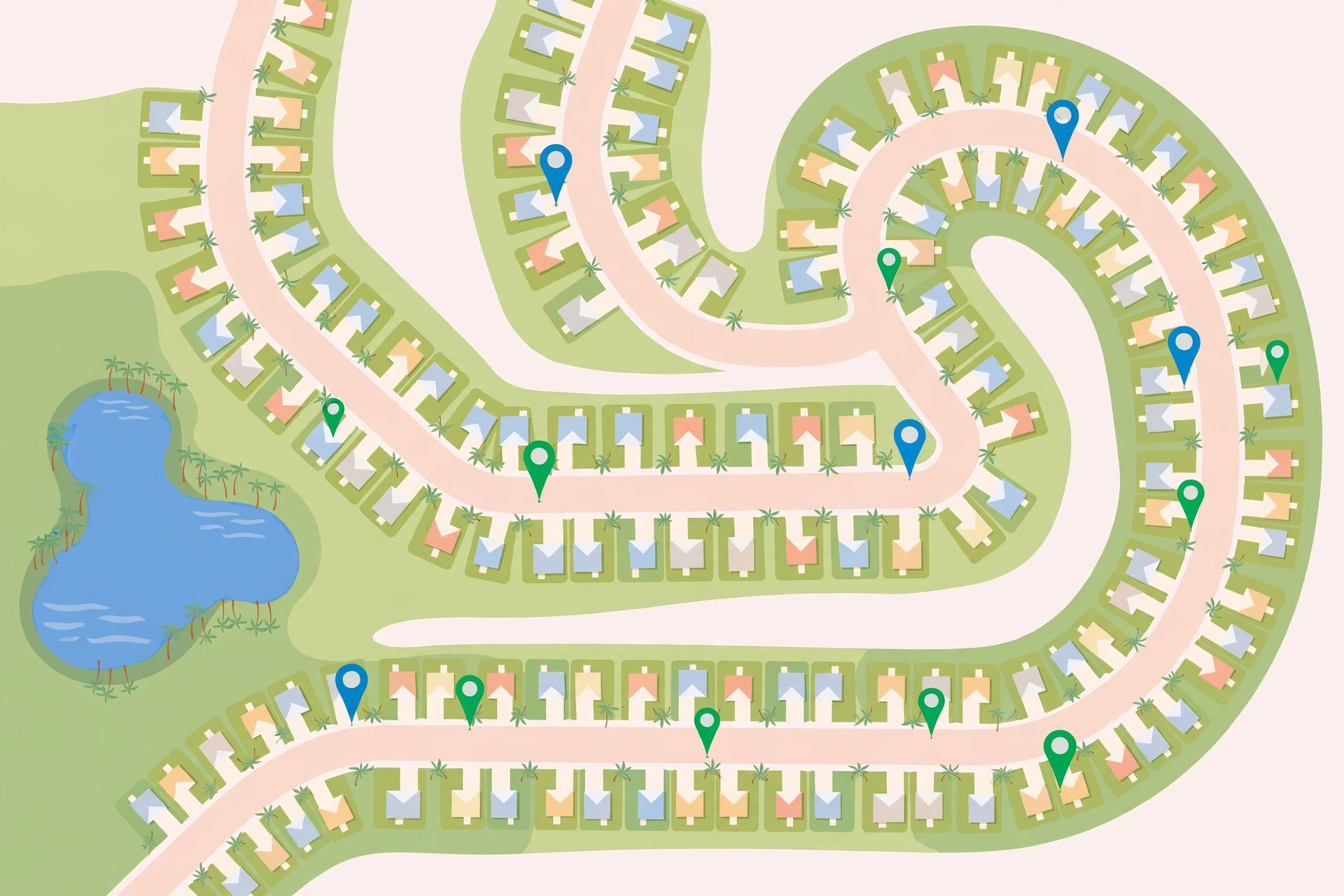
More eyes and hands on the road, less on the phone.
Designed for the field service worker attending recurring house calls. Save each site once — gate code, notes, photo, voice note — and the app keeps track of your last visit and what was done there.
The moment it happens: the customer's card pops up on its own.
How it works
Set it up once per customer. After that, the app does the remembering for you.
At a customer's place, tap once to save it — gate code, notes, and photo included. No typing addresses, ever.
Heading to a house call, leave the app open on the Nearby screen. That's it — the app does the rest.
When you get close, the customer's card appears on its own — gate code, notes, photo, voice memo. Everything you need, right when you need it.
Heading to a regular customer's house, you don't need directions — you've driven it a dozen times. So you just go: no GPS, no address. It's only near the end that the last few turns get hazy — and that's the worst moment to be hunting through your phone while you're driving.
So drive from memory. As you get close, open My Site Radar — the customer's card is already there with everything you need: call, text, read the notes. One tap on Navigate, and the GPS guides you in, only for the part you actually need.
The working life
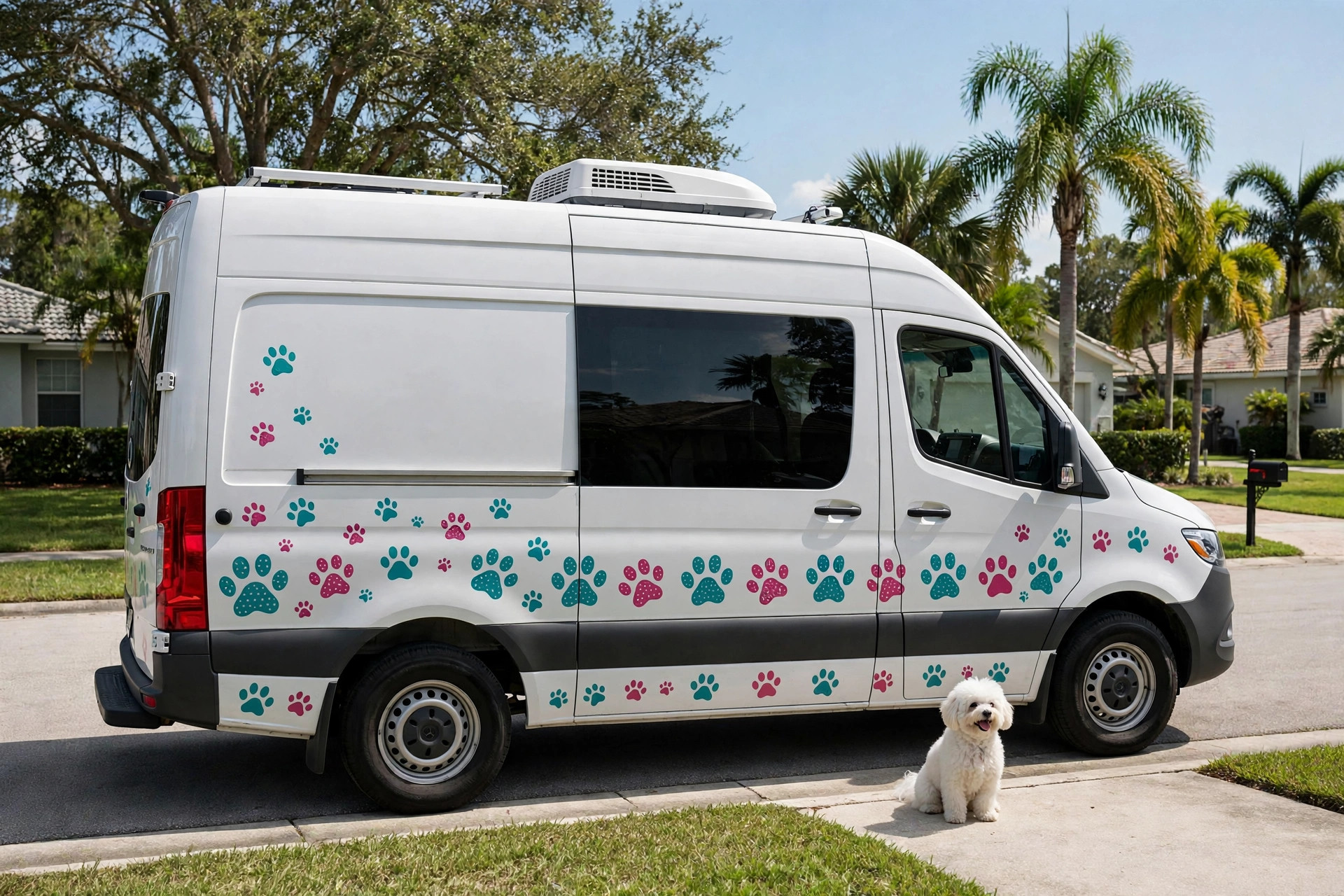
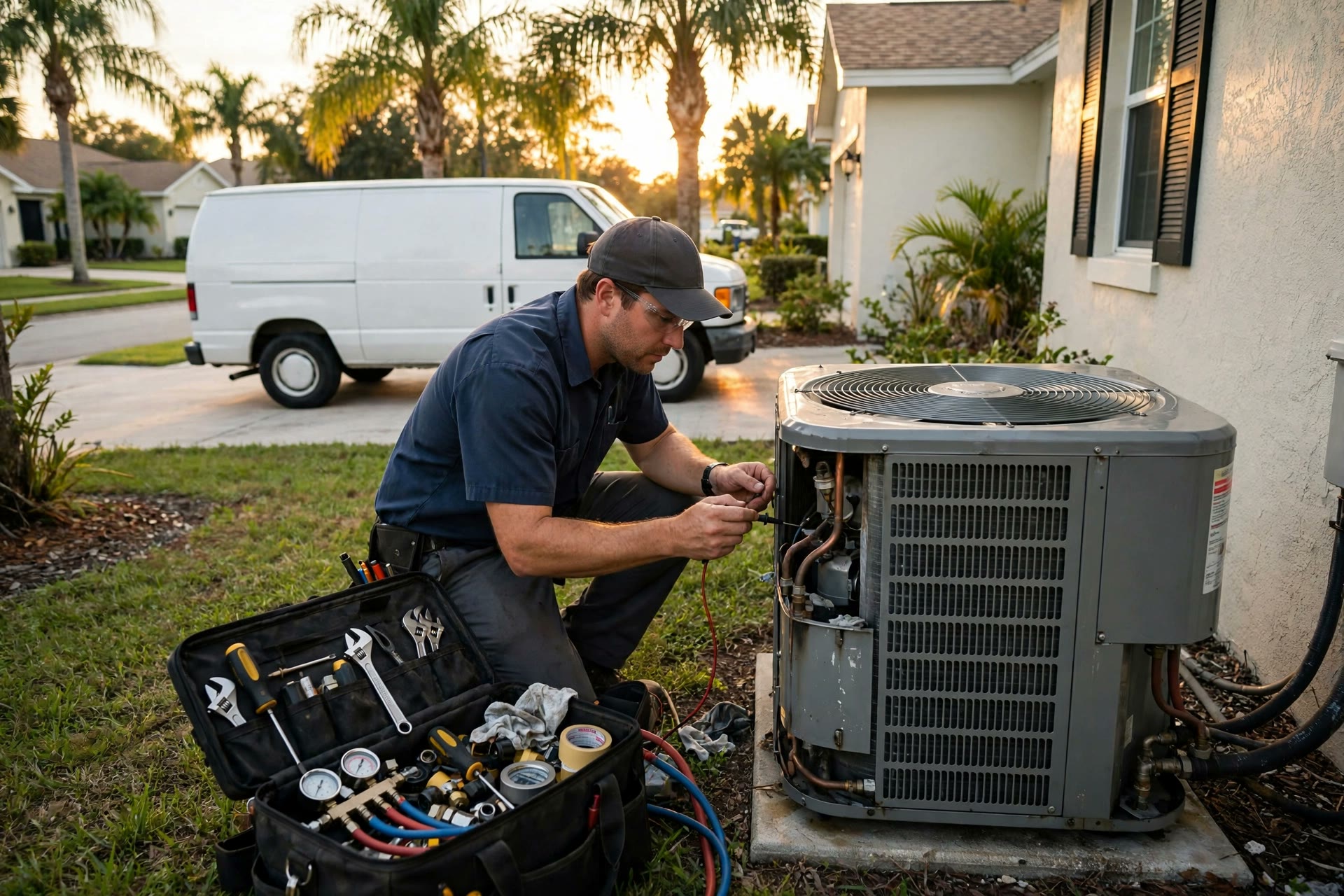
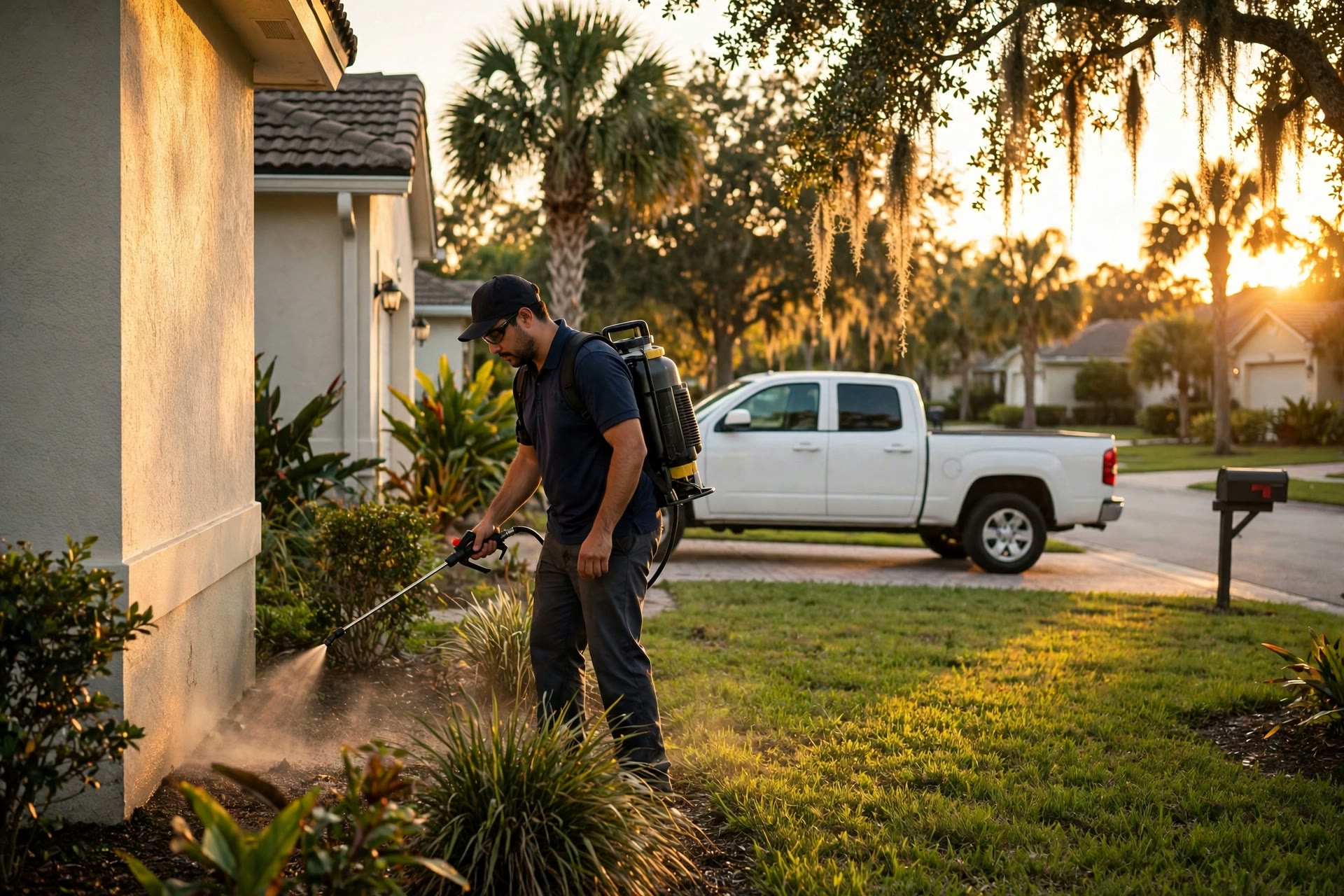
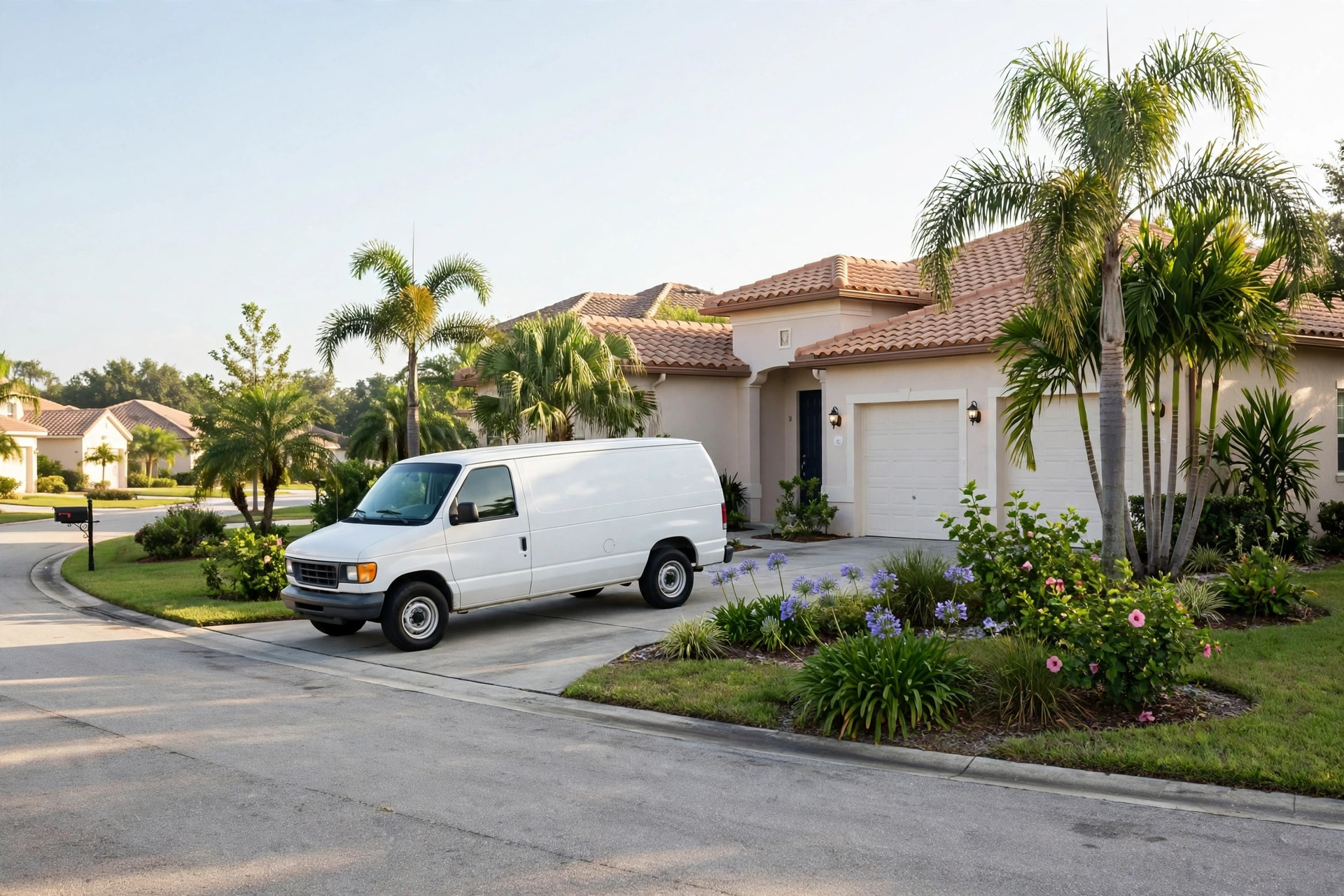
Contractors, groomers, AC techs and pest control — the world this app was built for.


Also on the road with My Site Radar
My Site Radar is your service memory on the road. Save each site once — gate code, notes, photo, voice note — and the app keeps track of your last visit and what was done there.
The last few turns are the hardest: the gate code is buried in your messages, cars are waiting behind you, and searching your phone for a customer's preferences is dangerous and distracting. So as you approach a house call, just open the app on Nearby — the customer's card pops up on its own with everything you need.
Safety is the whole point: more eyes and hands on the road, less on the phone. One tap to call or text that you're around the corner, one tap to navigate the last stretch — and you arrive prepared, remembering what you talked about last time and what tools to bring.
Features
Every site gets all of this — the free plan and Unlimited use the same features.
Who it's for
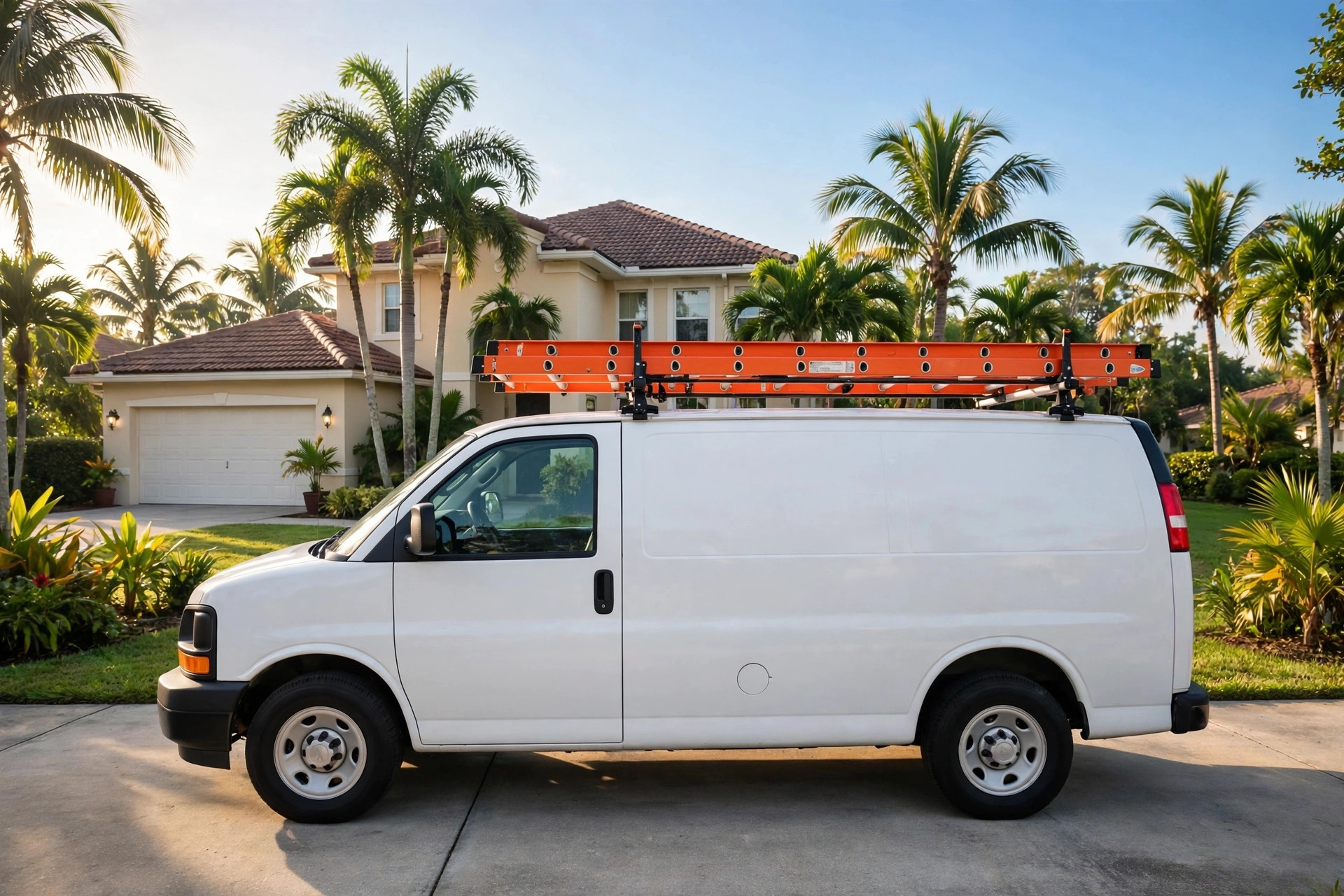
If you drive to customers all day — in a van, a work truck, or your own car — My Site Radar keeps every house call right in your pocket, ready the moment you roll up.
Pricing
Start free. Upgrade only if you outgrow it.
Payments are processed securely by Stripe. We never see or store your card details.
Trust
Built by someone who works out of a vehicle, for people who work out of a vehicle.
FAQ
Straight answers, including the limits.
Yes. The full app with up to 10 sites is free forever — no trial period, no expiration, and no account to create.
Only if you want one. Unlimited is a single $12.99 payment — no cloud service, no subscription, no annual fees. If you would rather never make a backup by hand, My Site Radar Cloud is the subscription version ($4.99/month or $39.99/year): everything in Unlimited, plus automatic cloud backup.
One customer location you save with GPS while you are there — a house, a property, any place you visit again for work.
Yes. It installs straight from your browser on any modern phone — no app store needed.
For Free and Unlimited, no — no sign-up, no password, and your sites are stored on your phone. Cloud members log in with a 6-digit code we email them (still no password), so their backup can follow them to a new phone.
Open the app on the Nearby screen while you drive. When you come within your chosen distance of a saved site — 0.5 to 5 miles — the customer's card pops up with a sound: gate code, notes, photo, everything.
Yes, two ways. By hand: Data → Download backup saves one file with everything, and Data → Upload backup restores it on the new phone. Automatically: My Site Radar Cloud members are backed up as they work — lose the phone, break it, or get a new one, and a quick login brings everything back. Have a list of customer addresses instead? The Help screen in the app shows how to turn it into a file you can import.
In the app, go to Settings → Restore purchase and enter the email you paid with. Unlimited unlocks right away — on any phone you use.
No — and we'd rather tell you straight. Keep the app open on the Nearby screen while you drive (a phone mount is perfect). The moment you come within range of a saved site, you get the alert sound and the card. If the app is closed or the phone is asleep, there are no alerts.
While it's open on Nearby, the app uses GPS like any navigation app. Most techs keep the phone plugged into the vehicle charger while driving — that's all it takes.
Get started
No app store, no account, no password. Straight from your browser to your home screen.
10 sites free forever. No account, and no subscription waiting at the end.
Install the app